New computer setup & data transfer
New PC or Mac unboxed, updated, and set up — with your files, photos, browser, email, and printer moved over from the old machine (up to 200 GB included).
$179 flat
New computer setup, virus cleanup, Wi-Fi that finally covers the house, printers that print — handled at your kitchen table, in plain language, at published flat prices. No driving your computer across town, no hourly meter running.

Flat prices for defined jobs — not an hourly meter. Every price is confirmed in writing after a short review, before anything is scheduled.
New PC or Mac unboxed, updated, and set up — with your files, photos, browser, email, and printer moved over from the old machine (up to 200 GB included).
$179 flat
Malware and scam pop-ups removed, browser cleaned, updates and protection verified. Talked to a “support” scammer? The $149 protocol adds a guided password change and account check.
$129 · after a scam call $149
Router set up or replaced, dead zones found and fixed, streaming and video calls tested in the rooms that matter.
$119 flat
A 2–3 node mesh system placed, configured, and tested throughout the home — one network name, no more dropouts between rooms.
$169 flat
New printer installed and connected for the whole household, or the “offline” one brought back. Add it to any other visit for $49.
$95 · $49 as an add-on
Slow computer diagnosed and cleaned up: startup load, junk software, storage, and updates — with an honest answer if the machine itself is the problem.
$109 flat
We install a fast SSD you provide and clone or freshly set up your system. Backup is verified before we touch the old drive.
$89 labor
Software problems fixed over a secure one-time session — you see everything on your screen and can end it at any moment. 30-minute minimum.
$79/hr · min. $49
You buy any parts or devices (computer, SSD, mesh kit, printer) — we recommend the exact model first, so you never overpay or buy the wrong thing. Labor prices above are confirmed in writing before scheduling.
Illustrative examples of the visits we make — new computer setups, whole-home Wi-Fi, and finished home offices.
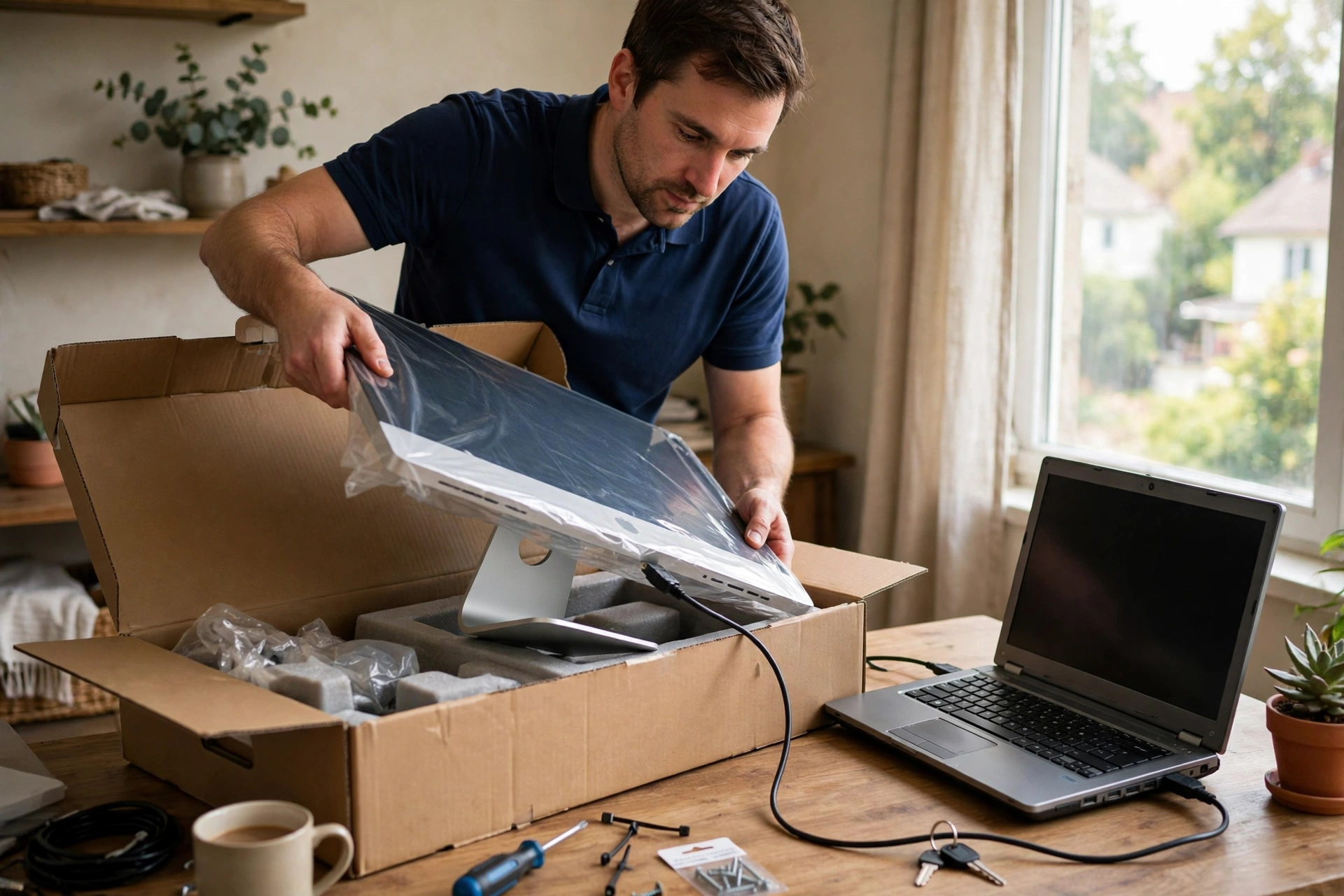
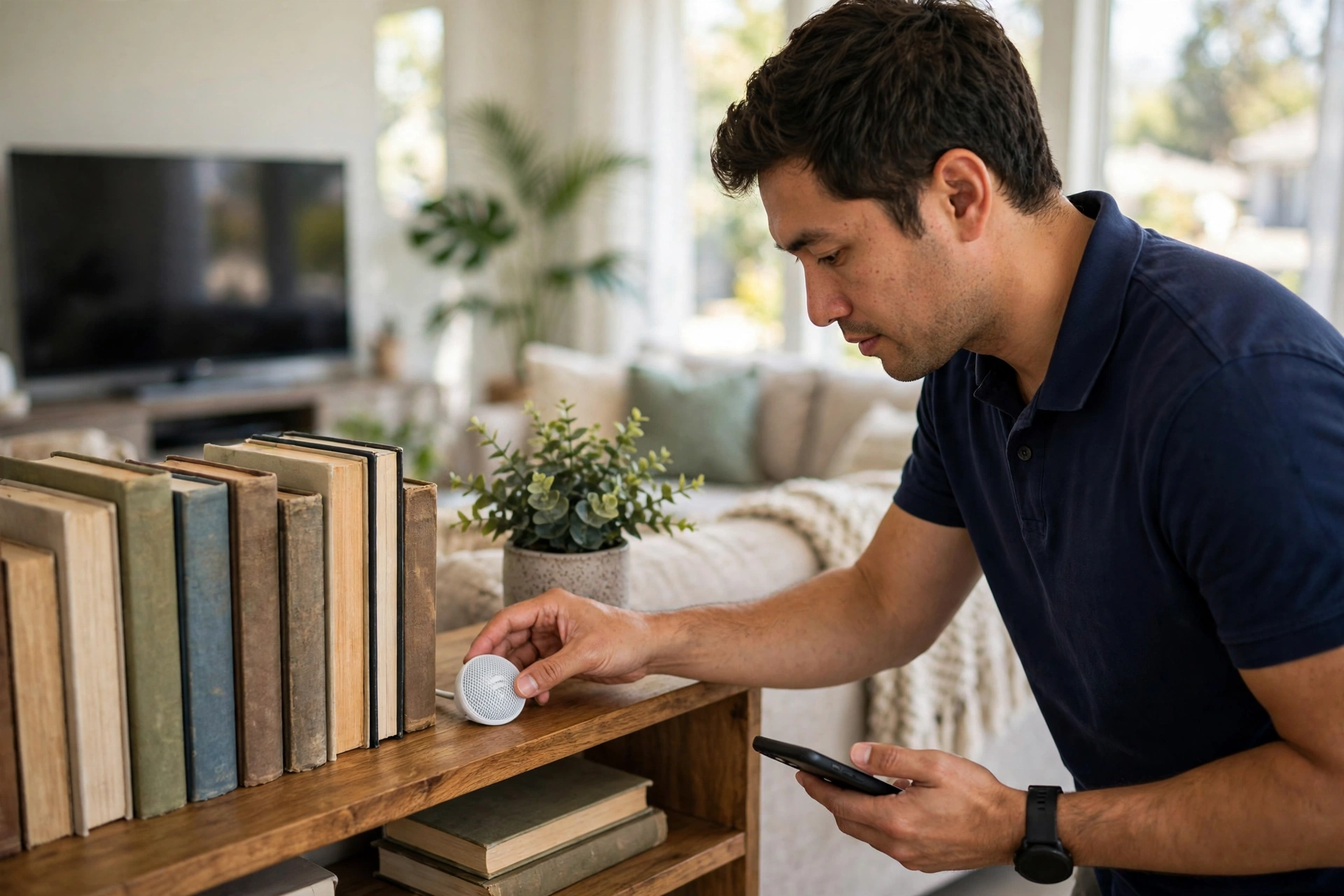

Other companies split this into two or three separate calls. We assemble the furniture and set up the tech in a single visit, in a single trip charge.
$329
Desk and chair assembled, computer and monitor set up, printer connected, Wi-Fi checked — ready to work the same day.
$449
Everything in Setup, plus data transfer from your old computer and tidy cable management.
| New computer setup & data transfer (up to 200 GB) | $179 |
|---|---|
| Virus removal & security check | $129 |
| Virus removal after a scam call (with password protocol) | $149 |
| Wi-Fi setup & dead-zone fix | $119 |
| Mesh Wi-Fi installation (2–3 nodes) | $169 |
| Printer setup & fix | $95 · $49 add-on |
| Computer tune-up | $109 |
| SSD upgrade (labor; drive provided by you) | $89 |
| Remote tech help | $79/hr · min. $49 |
| Home Office Setup / Complete package | $329 / $449 |
Flat prices cover the labor described for one device or one home network. Scope and total are confirmed in writing after review, before scheduling — the price never grows without your approval. Devices and parts are purchased by you; we recommend exact models in advance.
Tech help means touching the device that holds your whole life. These rules are not fine print; they are how every visit works.
Not sure whether your problem fits? Describe it in the request — we review every request and answer honestly, including when the right answer is “a different specialist.”
No ticket queues and no script-reading call centers. A short, human process:
Tell us the device and what’s happening — error messages and when it started help a lot.
We confirm the flat price and whether it’s an in-home visit or a remote session — in writing.
We do the work with you nearby, explain what we’re doing, and test everything together.
A plain-language summary of what was done, plus simple steps to keep it that way.
In-home visits currently cover Santa Clarita, Valencia, Stevenson Ranch, and Castaic. Remote help is available anywhere — include your ZIP so availability can be confirmed before scheduling.
Share the device and the symptoms. The request is reviewed before any appointment is scheduled.
Straight answers about how tech help works.
No — and we will never ask for it. When a password is needed, you type it yourself. We do not write passwords down, store them, or take them with us.
If the drive still works, we can usually copy your files to a new computer or a backup drive. If the drive is clicking, not detected, or physically damaged, that requires a data-recovery laboratory — we will stop, explain the options honestly, and not charge for guessing.
You start a one-time session from your computer and see everything we do on your screen. You can pause or end the session at any moment, and nothing stays installed or connected afterward. Remote help is $79 per hour with a $49 minimum.
We tell you exactly which part or model to buy — or honestly say when a repair costs more than the computer is worth. Parts are purchased by you; our labor price is confirmed in writing before any work starts.
That is always a scam — Microsoft never calls customers. Do not use the computer for banking until it is cleaned, and change important passwords from a different, clean device. Our after-scam visit ($149) removes what they installed, checks the machine, and walks you through securing your accounts.
In-home tech services start at $95 (printer setup). Remote help has a $49 minimum for the first 30 minutes. Every price is confirmed in writing before scheduling.