Full Home Office Bundle
The whole setup in one visit: desk assembly, monitor setup, cable management, printer connected, and a Wi-Fi check — you sit down and work.
From $299
Desk assembled, dual monitors mounted at eye level, cables managed, printer connected, Wi-Fi tuned for video calls. You sit down Monday and just work. Questions first? Call (661) 485-3595.
Flat prices for defined jobs — not an hourly meter. Every price is confirmed in writing after a short review, before anything is scheduled.
The whole setup in one visit: desk assembly, monitor setup, cable management, printer connected, and a Wi-Fi check — you sit down and work.
From $299
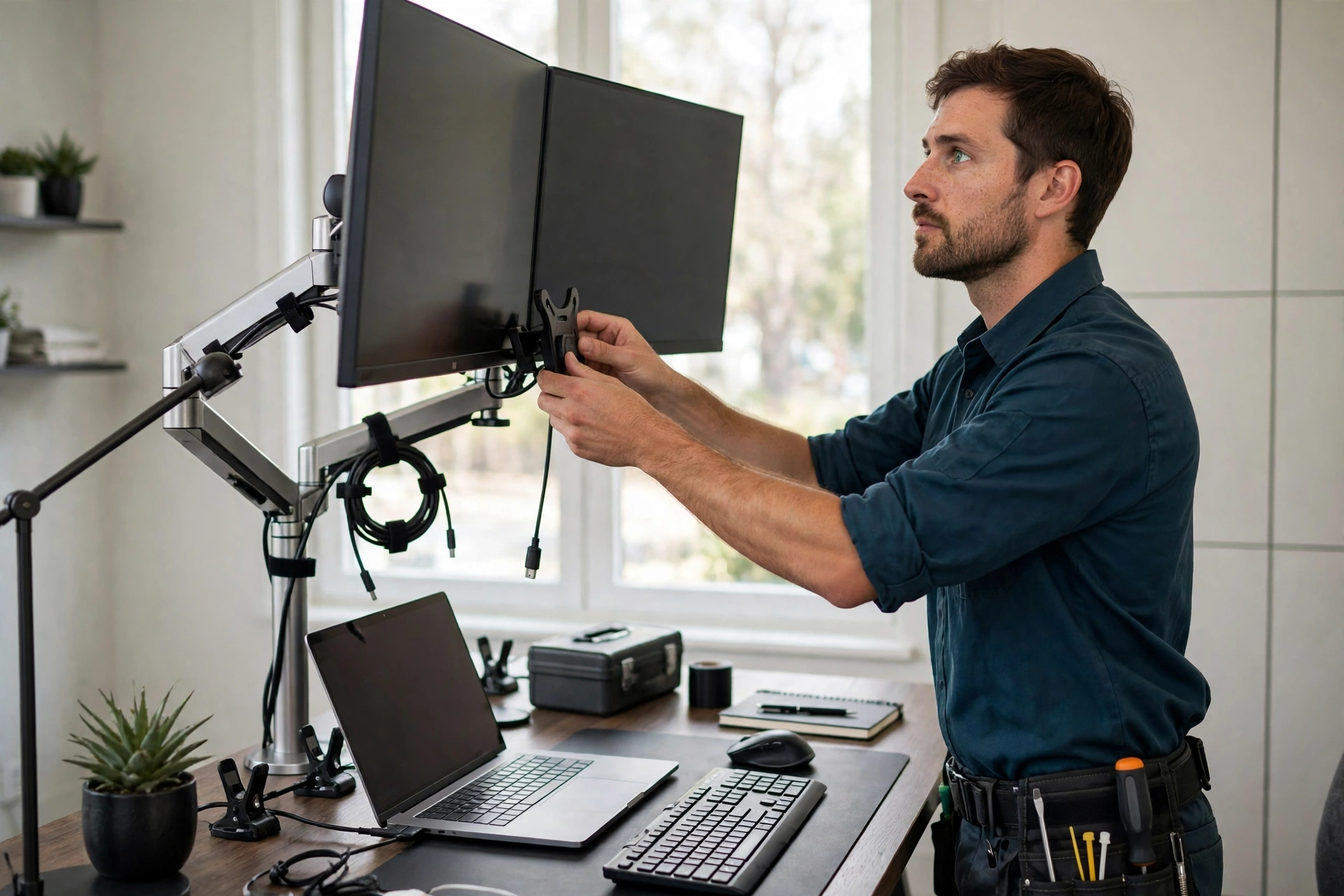
Monitor arms mounted, heights matched, resolution and scaling set — cables hidden behind the desk, not dangling over it.
$129
Desk built, leveled, and anchored — standing desks included, with motor cables routed so nothing snags at full height.
From $89
One surge-protected strip, cables in a tray or raceway — no floor spaghetti, nothing cooking behind the desk.
$79
A wired drop to the desk or a mesh point in the room, so Zoom stops freezing mid-sentence. Tested on a real call.
From $119
Add-on to any setup: monitor height and distance, chair height, and lighting checked against how you actually sit.
$99 add-on
You buy any desks, arms, or devices — we recommend the exact model first, so you never overpay or buy the wrong thing. Prefer we supply them? We do, at cost, with the receipt in your hand. Labor prices above are confirmed in writing before scheduling.
Illustrative examples of finished setups — desk built, screens mounted, cables gone, calls tested.
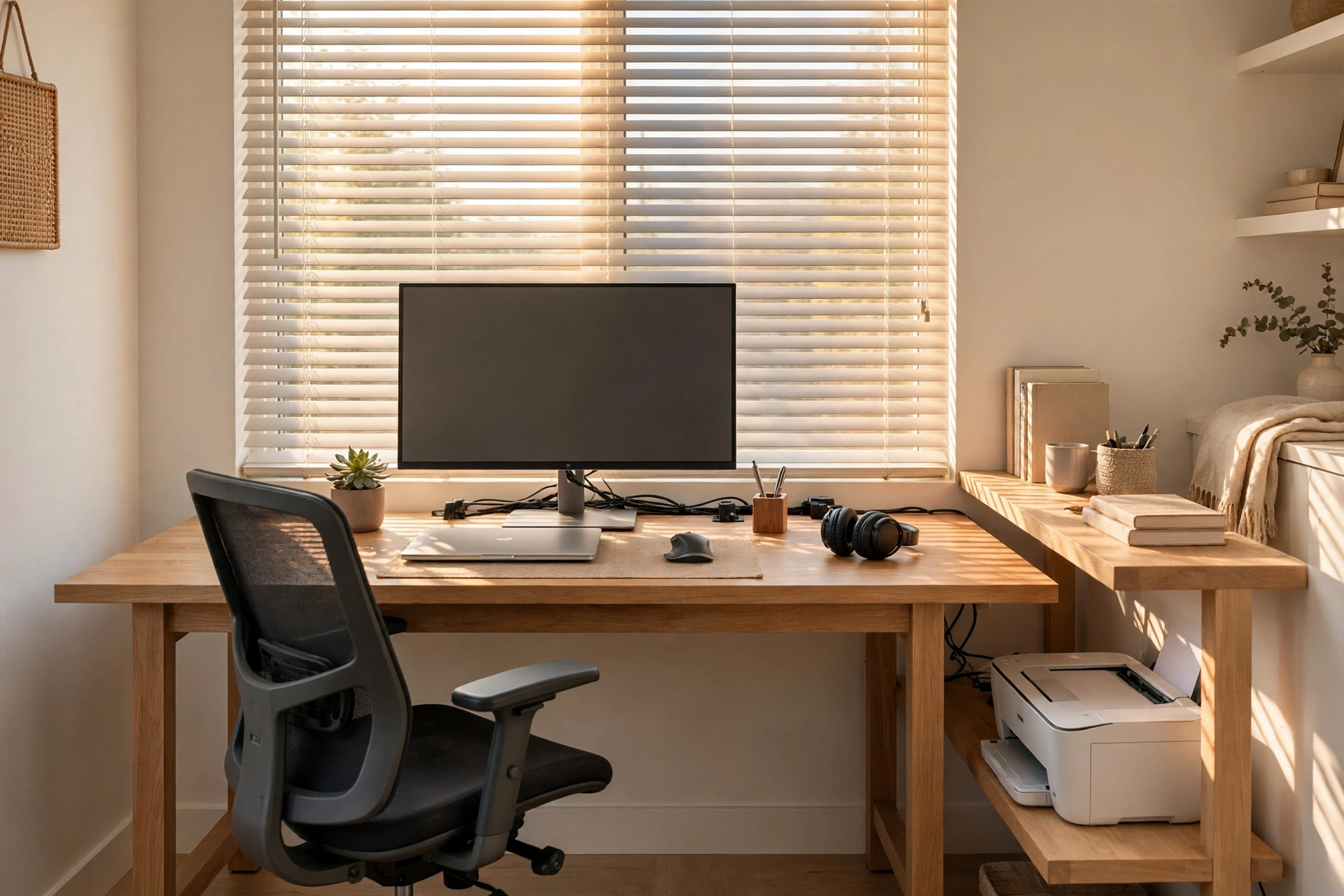
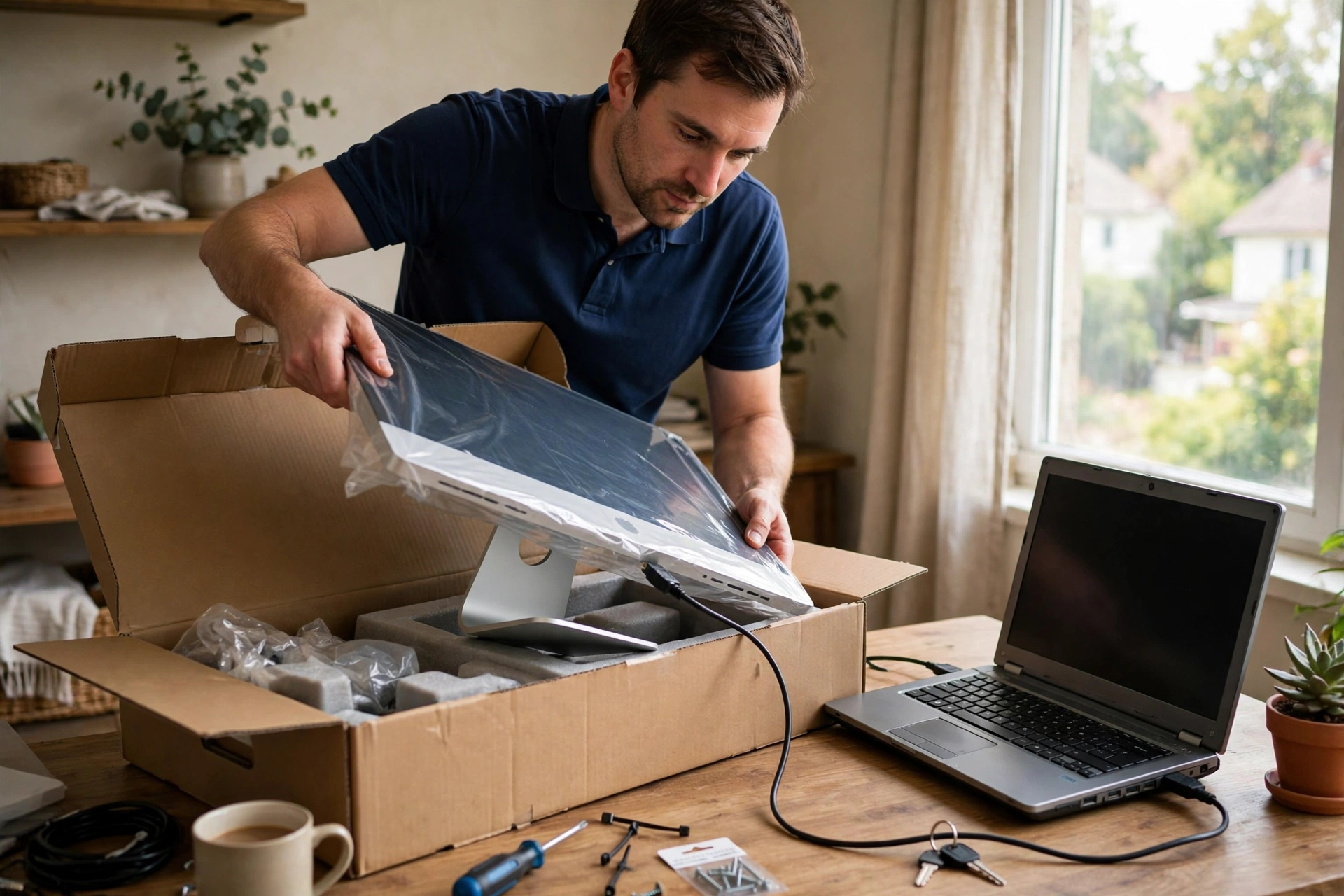

Other companies split this into a furniture call and a tech call. We assemble the desk and set up the tech in a single visit, in a single trip charge.
$299
Desk assembly, monitor setup, cable management, printer connected, and a Wi-Fi check — ready to work the same day.
$129
Arms mounted, heights matched, scaling set, cables hidden — the single upgrade that changes how the desk feels.
| Full Home Office Bundle (desk, monitors, cables, printer, Wi-Fi check) | from $299 |
|---|---|
| Dual monitor mount & setup | $129 |
| Desk assembly (standing desks included) | from $89 |
| Cable management & power | $79 |
| Call-ready network (wired drop or mesh point) | from $119 |
| Ergonomic tune-up (add-on) | $99 |
Flat prices cover the labor described for one home office. Scope and total are confirmed in writing after review, before scheduling — the price never grows without your approval. Desks, arms, and devices are purchased by you, or supplied by us at cost with the receipt; we recommend exact models in advance.
A home office is furniture, power, and network in one small space. These rules are how every setup is done.
Not sure whether your room fits? Send a photo of the corner with the request — we review every request and answer honestly, including when the right answer is “a different specialist.”
No ticket queues and no script-reading call centers. A short, human process:
Snap the corner where the office goes — we plan mounts, arms, and cable runs before we arrive.
The correct monitor arms, mounts, and cable gear come with us — no mid-job store runs.
Desk built, monitors mounted, printer connected, Wi-Fi tuned — in a single visit.
We join a test video call together and check picture, sound, and screen sharing before we leave.
Home office setup visits currently cover Santa Clarita, Valencia, Stevenson Ranch, and Castaic. Include your ZIP so availability can be confirmed before scheduling.
Share what you have and what you want. The request is reviewed before any appointment is scheduled.
Straight answers about how a home office setup works.
Either way. We install the desk and arms you already bought, or we supply the exact ones at cost and hand you the receipt — no markup. Tell us your monitor sizes in the request and we will recommend the right arms first, so nothing arrives wrong.
Yes — electric standing desks are included in desk assembly (from $89). We level the frame, route the motor and power cables so nothing snags through the full height range, and test it loaded with your monitors on top.
Almost all of them. Monitor, power, and network cables go into a desk tray or raceway with a single surge-protected strip, leaving one tidy run to the wall. Glass desks and a few wall types limit full concealment — we show you the plan before we start, so there are no surprises.
Usually, yes. Most freezes are Wi-Fi, not your computer: we can add a wired drop to the desk or a mesh point in the room (from $119) and prove it on a real call before we leave. The honest limit: if your internet plan itself is too slow or the provider’s line is bad, we will show you the speed test at the router and tell you exactly what to change.
Most home offices take 2–3 hours in one visit. A full bundle with dual monitors and network work can run 3–4 hours. Either way, the scope and the flat price are confirmed in writing before scheduling — the price never grows without your approval.