Wi-Fi setup & troubleshooting
Your existing router set up the way it should have been: placed where the signal can actually travel, settings corrected, dead zones found, and streaming and video calls tested in the rooms that matter.
From $119
Fast in the living room, dead in the back bedroom. Video calls that freeze, movies that buffer, a printer that drops off the network. I come to your home, find where the signal dies, and fix it — router set up properly, mesh installed if you need it, and the speed tested in the rooms where you actually sit.
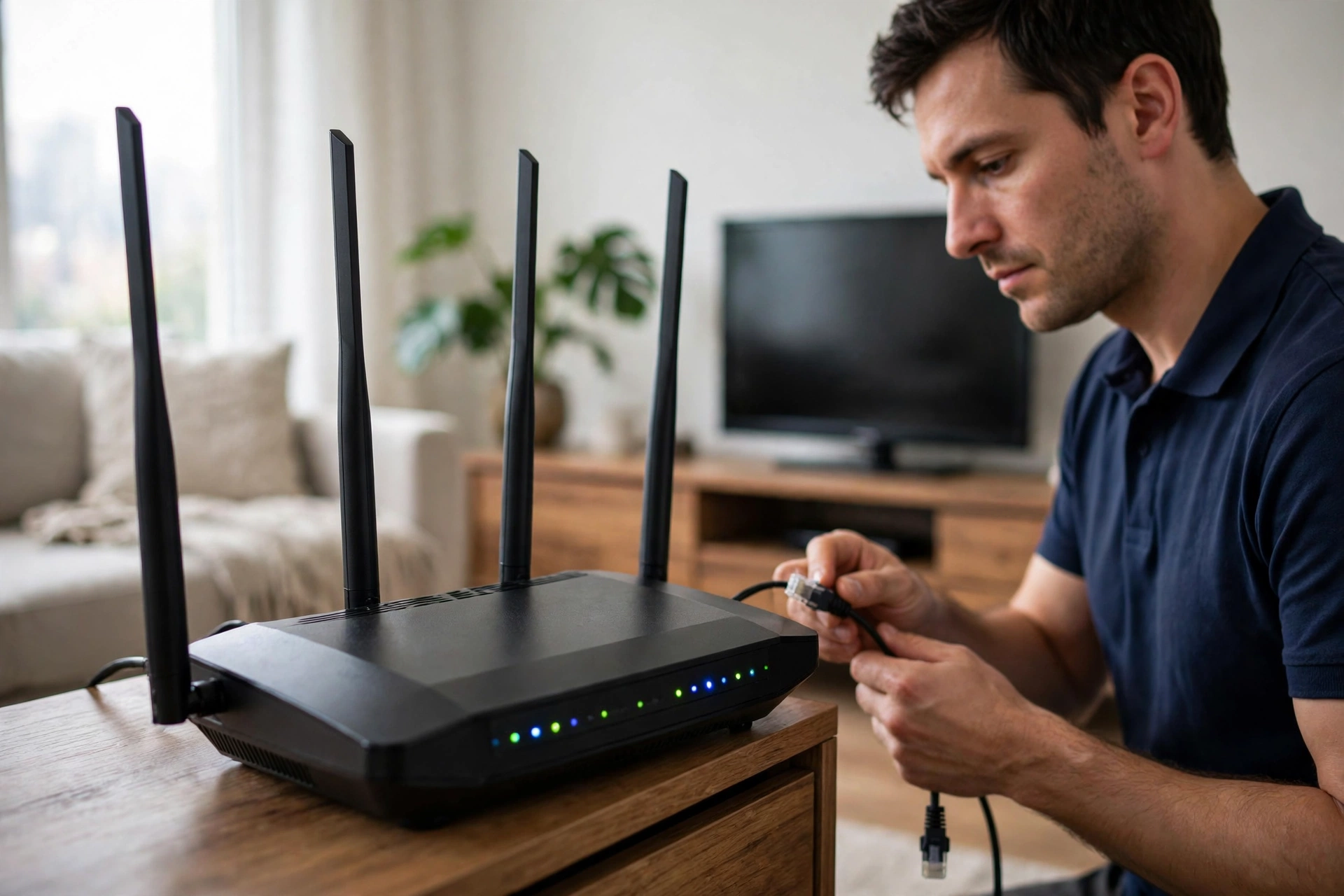
Flat prices for defined jobs — not an hourly meter. Every price is confirmed in writing after a short review, before anything is scheduled.
Your existing router set up the way it should have been: placed where the signal can actually travel, settings corrected, dead zones found, and streaming and video calls tested in the rooms that matter.
From $119
A 2–3 node mesh system placed, configured, and tested throughout the home — one network name, no more dropouts walking from the kitchen to the bedroom.
From $169
A new router installed and locked down: firmware updated, the factory admin password replaced, remote access and unsafe defaults turned off, and a separate guest network for visitors and smart devices.
From $129
You buy any devices (router, mesh kit) — I recommend the exact model first, based on your home's size and layout, so you never overpay or buy the wrong thing. Labor prices above are confirmed in writing before scheduling.
Most home Wi-Fi problems are not the internet plan — they are a router in the wrong corner, factory settings, or one signal trying to cross the whole house. Here is how the visit goes.
Not a licensed contractor. Requests are limited to casual, minor work under $1,000 total, including labor and materials, where no permit, employees, or licensed trade is required. Larger projects may not be divided to fit the limit. Other work will be declined or referred.
Every visit starts with the same $95 visit fee, credited in full toward your approved work — approve the job and the visit itself costs you nothing extra.
| Wi-Fi setup & troubleshooting (existing router) | from $119 |
|---|---|
| Mesh Wi-Fi installation (2–3 nodes, placed & tested) | from $169 |
| Router setup & home network security | from $129 |
| Printer or TV reconnected after a network change (add-on to any visit) | $49 |
| Visit & estimate fee — credited in full toward approved work | $95 |
Flat prices cover the labor described for one home network. Scope and total are confirmed in writing after review, before scheduling — the price never grows without your approval. Devices are purchased by you; I recommend exact models in advance.
No ticket queues and no script-reading call centers. A short, human process:
Which rooms lose signal, what router you have, and roughly how big the home is.
I confirm the flat price in writing — and whether your current gear can do the job or a mesh kit is the honest answer.
I set everything up, walk the house with you, and test streaming and a video call in the rooms that used to fail.
Your network name and password on a card for the fridge door, plus a plain summary of what was changed.
In-home visits currently cover Santa Clarita, Valencia, Stevenson Ranch, and Castaic. Include your ZIP so availability can be confirmed before scheduling.
Tell me about the dead rooms and your current setup. The request is reviewed before any appointment is scheduled.
Straight answers about home Wi-Fi work.
No. Tell me the size of your home and where the signal fails, and I will recommend the exact kit to buy — or set up what you already have, if it can do the job. Many homes only need the router moved and set up properly.
Sometimes — in a small apartment, often yes. In a two-story house, the free router is usually the weak point: it sits where the line enters the home, not where you live. I will test yours honestly and only recommend a replacement if the numbers say so.
Mesh does not change the speed your provider delivers to the house — it delivers that speed to every room. If the couch gets 300 Mbps and the bedroom gets 8, mesh is the fix. If the whole house is slow, that is the plan or the line, and I will show you the difference with tests.
Most Wi-Fi setups and troubleshooting visits take one to two hours, including walking the home and testing together at the end. A mesh installation in a larger home can take a little longer — the price is still the flat price confirmed in writing.
You type passwords yourself — I never ask for, write down, or store them. If we set a new network password together, I leave it with you on a card, and it stays yours.
Wi-Fi is the foundation — once the house is connected, these are the visits people usually book next.
ChatGPT and other AI assistants installed on your computer and phone, set up in your name, and practiced together until you can use them on your own.
From $199
See AI setupVideo doorbells, cameras, smart locks, and thermostats installed and connected to one app — plus TV mounting and setup.
From $149
See smart homeNew computer setup and data transfer, virus removal, printer help, tune-ups, and home office packages — all at published flat prices.
From $49 remote
See tech help